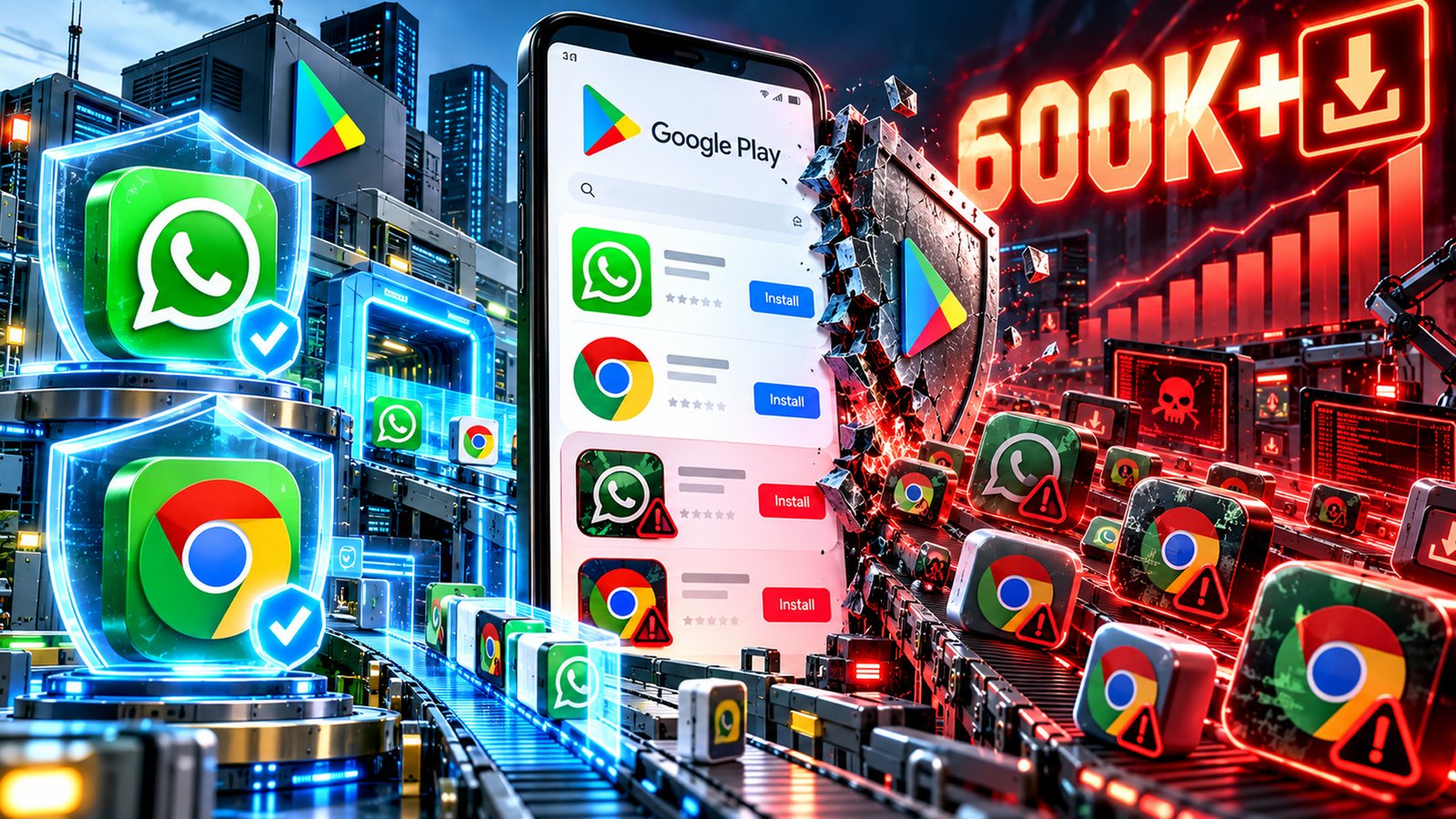
Android users are being warned to check app details carefully after fake versions of WhatsApp and Google Chrome appeared on the Google Play Store. The counterfeit WhatsApp app reportedly crossed 500,000 downloads, while an imitation of Google Chrome attracted more than 100,000 downloads. The incidents have raised concerns about how misleading applications can reach users through an official app marketplace.
Both WhatsApp and Chrome are widely used, making them attractive targets for developers who want to exploit familiar brand names. Users searching for these services may assume that an app appearing on Google Play is genuine. However, these cases show that even an official app store cannot guarantee that every listing is authentic.
The incidents also highlight the importance of checking an app’s developer details, permissions and reviews before installing it on an Android phone.
The counterfeit WhatsApp application reportedly appeared on Google Play under the name WhatsApp Messenger. It used an icon, screenshots and a description similar to those of the genuine messaging service, making it harder for users to identify the difference.
The app was published by a developer using the name “Agment Assets sallu”. The official WhatsApp Messenger app, by comparison, is published by WhatsApp LLC.
Reports published on October 16 said the fake application had accumulated more than 500,000 downloads. It was also reportedly displayed as a sponsored result above the genuine WhatsApp listing, potentially exposing users to the imitation before they reached the official app.
This placement is particularly concerning because people often rely on search rankings when choosing applications. A sponsored listing may appear prominent, but that does not mean the app is officially endorsed by the brand it resembles.
The counterfeit listing reportedly used Google’s Early Access programme, which can limit the amount of public feedback available to users. Reviews and ratings are not perfect measures of an app’s safety, but limited feedback can make it more difficult for people to recognise warning signs.
The fake WhatsApp listing raised questions about how an application using another company’s identity was able to reach such a large audience.
A separate incident involved a counterfeit Google Chrome app that reportedly attracted more than 100,000 downloads before Google removed it.
The application appeared in Play Store search results for Chrome and used branding that made it look like Google’s popular web browser. It was listed under the developer name “Hizbartech”.
Reports said the app had originally appeared as a game called Ball Bounce before its name and icon were changed to resemble Google Chrome. It reportedly occupied a sponsored position in search results, increasing the chances that users looking for the browser would encounter it.
However, the application did not provide the genuine Chrome browsing experience. Reports indicated that it behaved more like an unrelated chat application.
Google removed the listing after the issue came to light. The incident nevertheless raised concerns about how the app had passed the marketplace’s checks and attracted such a large number of downloads.
Together, the two cases show how counterfeit applications can use familiar branding and prominent search placement to gain attention among Android users.
Fake apps attempt to take advantage of users’ trust in well-known companies. They may copy official names, logos, screenshots and descriptions to make their listings appear genuine.
The danger goes beyond downloading an application that does not work as expected. Depending on how a fake app is designed, it may request unnecessary permissions, collect information, display unwanted content or expose users to other security risks.
However, the available reports do not establish that these two applications stole personal information or contained a specific type of malware. Their presence on the Play Store should not, by itself, be treated as proof that every user who installed them was compromised.
The incidents instead underline a broader issue: security checks can help identify dangerous or misleading applications, but deceptive listings may still escape detection for a period.
Sponsored placement can add to the confusion. Users may interpret a prominent search result as a sign of authenticity, even though advertising visibility is not the same as verification by the company being impersonated.
The first step is to check the developer’s name before installing an application. The official WhatsApp Messenger app is published by WhatsApp LLC, while Google Chrome is published by Google LLC.
Users should also examine the app’s description, download history, reviews and links to the developer’s official website. Unusual publisher names, inconsistent descriptions and a mismatch between the advertised service and the app’s features should prompt caution.
Permissions deserve equal attention. A browser or messaging application should not require access that appears unrelated to its main purpose. Users should avoid granting unnecessary access to contacts, files, messages, the microphone or other sensitive information.
Android users who suspect they have installed a counterfeit app should uninstall it and run Google Play Protect. They should review their phone for unfamiliar applications and check for unusual account activity. Anyone who entered passwords or other sensitive details into a suspicious application should change the affected credentials and secure the relevant accounts.
The fake WhatsApp and Chrome cases have renewed questions about the effectiveness of Google’s app review system and its handling of sponsored search results.
The WhatsApp listing reportedly remained available at the time of reporting, while the fake Chrome application was removed after the issue attracted attention.
For users, the message is straightforward: downloading apps from official marketplaces remains preferable to using unknown websites, but checking the publisher is still essential. As counterfeit applications become more convincing, a few seconds spent verifying an app can help protect personal information, accounts and devices.